|
|
|


The Access Control Wizard
- Here you are prompted to select an Unlock Schedule for the two doors. If selected, the door will be unlocked automatically when the schedule becomes valid.
- We can set these to operate under the Work Hours schedule for now.
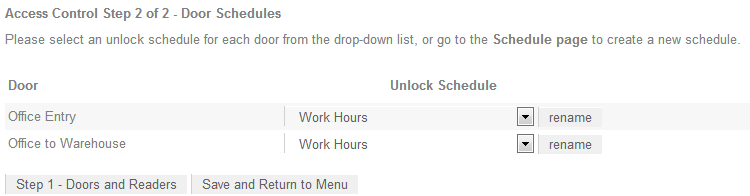
- Click Save and Return to Menu.
- Progress is shown as the Doors are created. Once finished, you are returned to the Home page.
| Ask a Question |