|
|
|


The Users Wizard
The Users Wizard enables you to quickly create new Users, and define which Areas and Doors they are able to access.
- Navigate to Wizards | Users Wizard
- Enter the Name, PIN, and Card Details for your User
- Select the Area(s) and Door(s) you wish to grant them access to, then click Add User
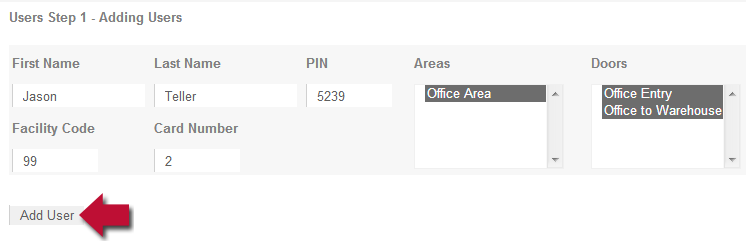
- Repeat until you have added all the users you need
| Ask a Question |