|
|
|


Exporting Events
Use the Event Export feature to extract event data as a CSV file which you can then format and manipulate as required to create custom reports.
- Navigate to Monitoring | Events and select the Export button from the toolbar
- Select the date range you wish to include events from, then click OK
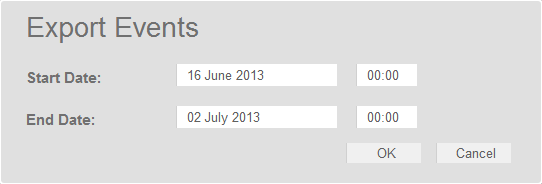
- A CSV file is created. Depending on your browser settings, you may be prompted to save the file otherwise it is downloaded automatically to your Downloads folder.
| Ask a Question |