|
|
|


Adding an Unlock Schedule to a Door
- If we then view our Events page (Monitoring | Events) we should see the schedule go invalid, and after a short time it should go valid
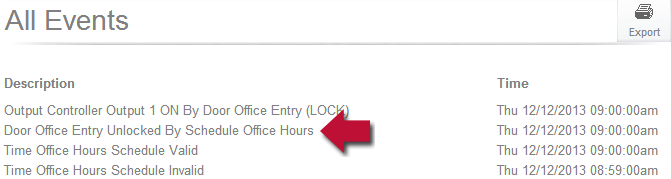
- Straight after this, we should hear a relay click and see in the event window that the door has been unlocked
| Ask a Question |