|
|
|


Applying a Holiday Group to a Schedule
When configuring schedules, we can apply the Holiday Groups we have created to our Office Hours schedule.
- Navigate back to Schedules | Schedules and select Office Hours
- Select the Holiday Groups tab to choose the holidays that apply to the schedule.
- Click Add and select the group or groups of holidays that you wish to apply to this schedule.
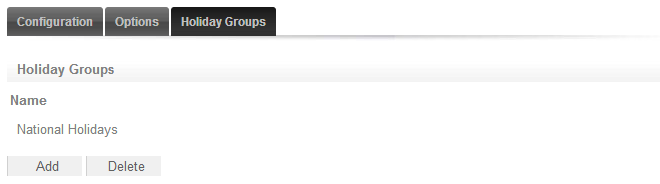
- This tells the schedule which days are holidays, but it does not tell the schedule what to do if it is a holiday. That is defined by the Holiday Mode.
- Click Save to finish creating your schedule.
| Ask a Question |