|
|
|


Testing the Setup - Unlocking when Armed
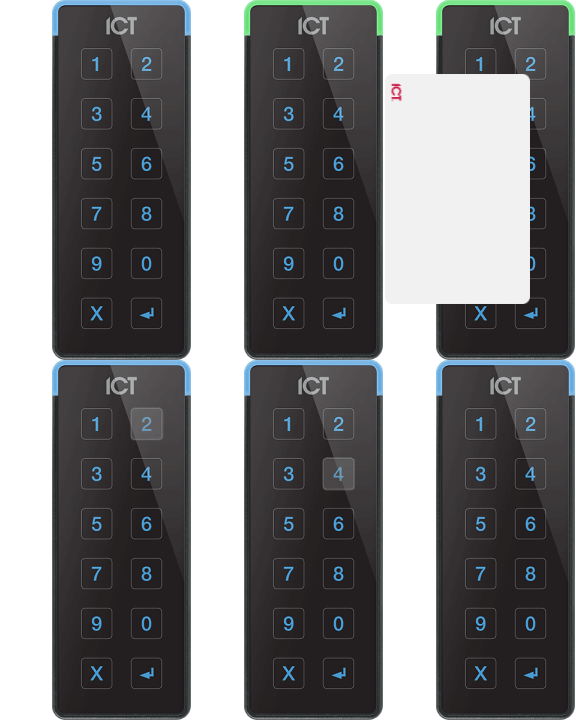
Firstly, we'll look at how to unlock the door when the area behind it is armed.
- Navigate to Monitoring | Areas and arm the area.
When the area is armed, the reader LED begins to flash and the Area Armed schedule becomes valid.
- The Entry Door (Card and PIN/Card Only) door type now requires a card badge and a PIN entry to unlock the door.
- Once this has been done, the door unlocks and the area disarms.
- The output we set to indicate the armed status of the area also turns off and as a result the Area Armed schedule becomes invalid.
| Ask a Question |