|
|
|


Output Activation Schedule
Once we have some virtual outputs setup, we can start to look at the various programming options.
- Navigate to Programming | Outputs and select one of the virtual outputs.
- As we can see from the Configuration section, we can add an Activation Schedule to the output.
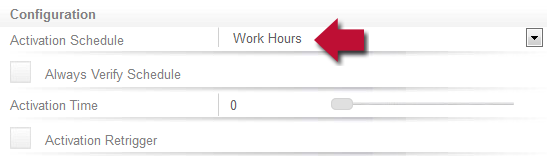
- Scheduling an output allows timed control of just about anything - Lighting, HVAC, even the coffee machine.
By default, this is edge triggered. This means the output is controlled at the edges of the schedule only. This allows full manual control of the output between the edges.
| Ask a Question |