|
|
|


Input Follows Output
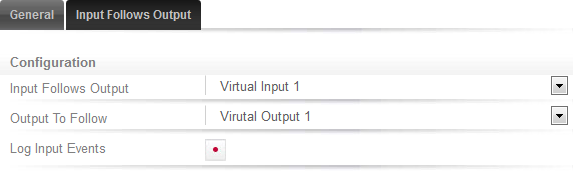
Click the Input Follows Output tab.
- Select the Input that you want to follow the Output.
- Select the Output that you want the Input to follow.
- Enable the Log Input Events option if required.
When enabled, the selected input reports events when it changes state.
Click Save.
| Ask a Question |