|
|
|


Configuring the Lock
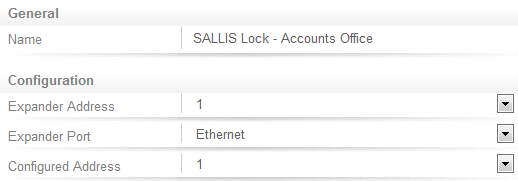
Next, the Salto lock needs to be added as a Smart Reader.
Navigate to Expanders | Smart Readers.
- Name the Salto lock.
- Set the Expander Address to correspond with the address of the onboard reader.
- Set the Expander Port to Ethernet.
- Set the Configured Address that is assigned to the Salto lock from the SALLIS application.
- Click Save.
| Ask a Question |