|
|
|


Creating an Output Group
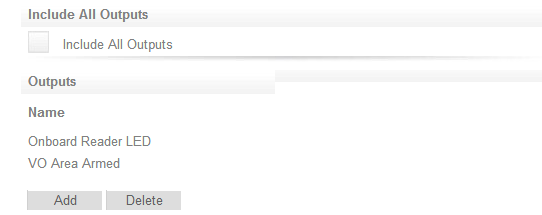
Before we set the output to indicate the area's status, we need to put the onboard reader LED output and the virtual output into an output group.
- Navigate to Programming | Output Groups and click Add.
- Name the output group Area Armed LED and VO
- From the Outputs tab, add the Onboard Reader LED Output and the Virtual Output to the group.
- Click Save.
This ensures that when the LED is on, the schedule is valid and when the LED is off, the schedule is invalid.
| Ask a Question |