|
|
|


Output Indication
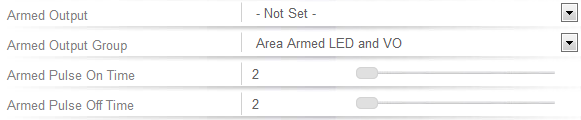
Now we can set the output group to activate when the area is armed.
- Navigate to Programming | Areas and select the area that is located behind the door.
- From the Outputs tab, set the Armed Output Group to the group we just created.
- A pulse time can also be set so you can differentiate between the area being armed and access being granted.
- Click Save.
With all the programming complete, we can test our setup...
| Ask a Question |