|
|
|


Creating a new Door Type
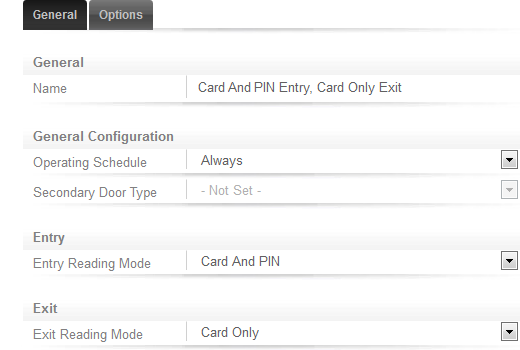
- To create a new door type, navigate to Programming | Door Types.
- Name the door type Card And PIN Entry, Card Only Exit
- For now, leave the Operating Schedule set to Always
- Set the Entry Reading Mode to Card And PIN
- Set the Exit Reading Mode to Card Only
| Ask a Question |