|
|
|


Applying the Door Type to a Door
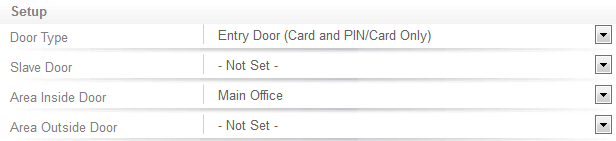
To apply the door type:
- Navigate to Programming | Doors and select the door you want to configure.
- Set the Door Type to Entry Door (Card and PIN/Card Only).
- Apply an Area to be located behind the door.
- Click Save.
| Ask a Question |